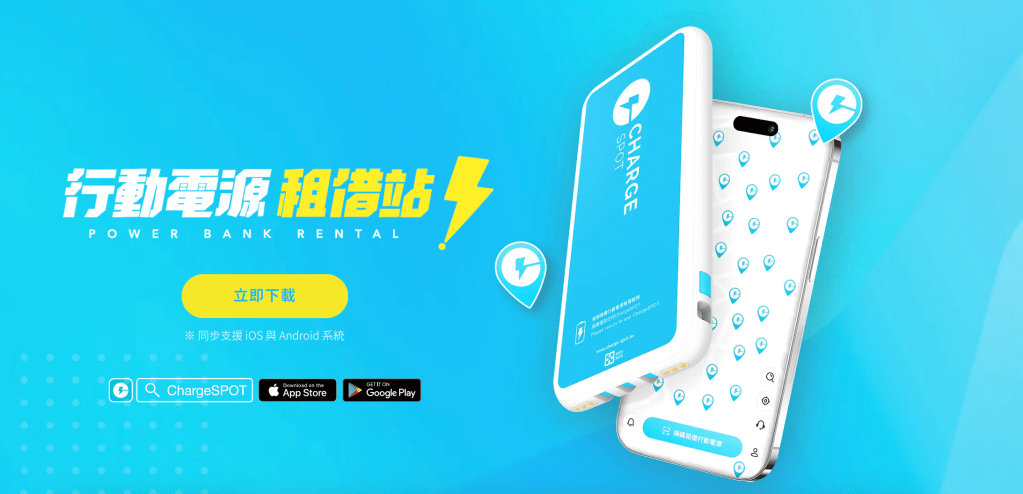
常常在超商看到的行動電源租借站,你知道這個行動電源國外不用重新下載APP也可以租借使用嗎?
上次去日本玩,自己帶的行動電源沒電了,沒辦法查地圖讓我超焦慮,但原來在超商常常看到的的ChargeSPOT在日本也可以使用,直接拯救了我的電量焦慮!!
本篇介紹 ChargeSPOT下載教學,免費領取租借券、使用國家,還有使用上的小提醒,記得看到最後領取優惠券哦~
Have you seen those portable power bank rental stations in convenience stores? Did you know you can rent them abroad without downloading a new app?
On my last trip to Japan, my own power bank ran out of battery and I couldn’t check the map—I was seriously stressed out! Then I discovered that ChargeSPOT, the same rental station I often see in convenience stores back home, is also available in Japan. It instantly saved me from battery anxiety!
In this post, I’ll guide you through how to download the ChargeSPOT app, how to get a free rental coupon, which countries support the service, and a few helpful tips. Don’t forget to read till the end to grab your free coupon!
目錄
介紹|What is ChargeSPOT?
ChargeSPOT 是一共享行動電源服務,類似 YouBike 的概念,你可以在APP顯示的地點租借行動電源,涵蓋範圍非常廣,手機充飽後歸還任意地點機台。
目前在台灣的捷運站、百貨公司、便利商店、咖啡店等都可以看到機台。ChargeSPOT有提供多個國家可以租借使用,不用每次去一個國家玩就要下載一個APP。
行動電源本身自帶三種充電線,真的很友善。
Power banks from ChargeSPOT have an extensive coverage network—you can return them to any kiosk once your phone is fully charged.
In Taiwan, you’ll find kiosks at MRT stations, department stores, convenience stores, and cafes. ChargeSPOT also supports rentals across multiple countries, so you don’t need to download a new app every time you travel to a different destination.
Each power bank comes with three built-in charging cables, making it incredibly user-friendly.

使用國家|Supported Countries
根據 ChargeSPOT 官方資訊,目前支援的地區有:
According to official ChargeSPOT information, the service is currently available in the following regions
- 🇹🇼 台灣|Taiwan
- 🇯🇵 日本|Japan
- 🇭🇰 香港|Hong Kong
- 🇹🇭 泰國|Thailand
- 🇸🇬 新加坡|Singapore
- 🇦🇺 澳洲|Australia
- 🇲🇴 澳門|Macau
- 🇻🇳 越南(部分城市)|Vietnam (selected cities)
- 🇲🇾 馬來西亞(持續擴展中)|Malaysia (expanding)
租借步驟|How to Rent
一、下載 App|Step 1: Download the App
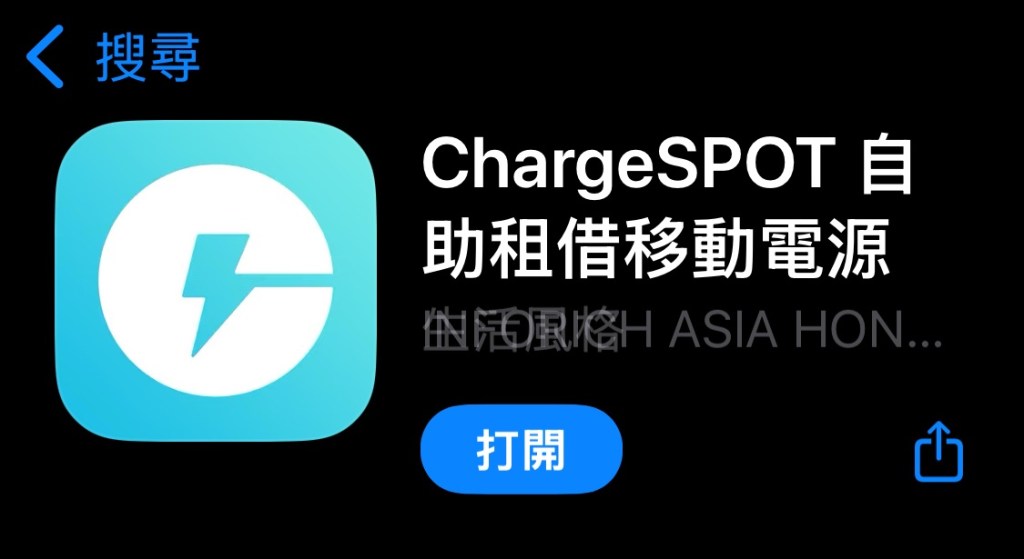
搜尋「ChargeSPOT」App(支援 iOS/Android)。
Search for the “ChargeSPOT” app (available on iOS and Android).
二、註冊帳號|Step 2: Create an Account
可以使用Apple ID、google、Facebook、微信、手機號碼快速註冊。
You can quickly sign up using Apple ID, Google, Facebook, WeChat, or your mobile number.

三、掃描機台上的 QR code |Step 3: Scan the QR Code on the Kiosk
App 會自動顯示附近的租借點和可借數量。找到機台後直接掃描機台上的QR code。
The app will automatically show nearby rental stations and available units. Once you find a kiosk, simply scan the QR code on it.

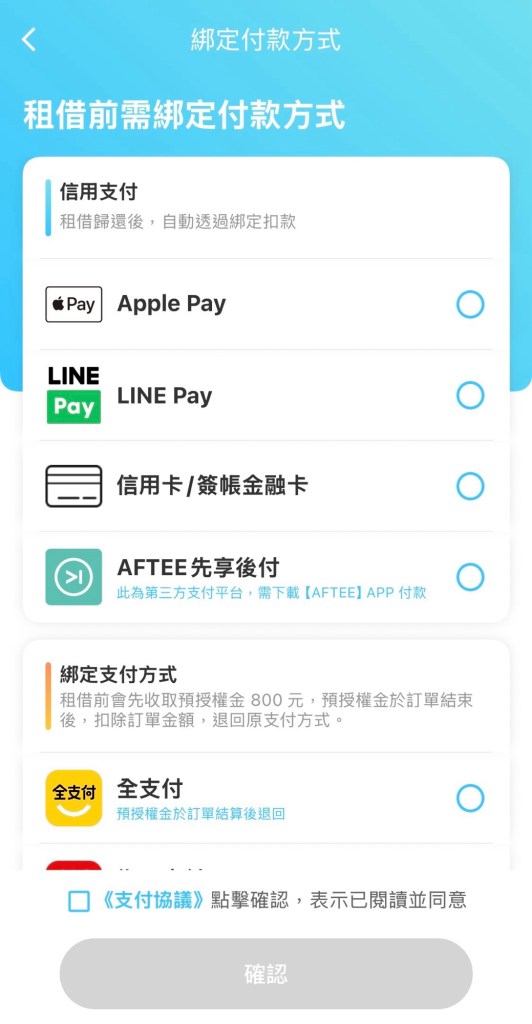
四、綁定支付方式|Step 4: Link a Payment Method
掃QR code後會跳出綁定付款方式,這個步驟每次都會跳出來。(不同國家步驟可能會有些微差異)
After scanning the QR code, the app will prompt you to link a payment method—this step appears every time. (Steps may vary slightly depending on the country.)
點我👉輸入邀請碼可免費獲得租借券
Tap here 👉 Enter the invite code to get a free rental coupon
五、完成綁定後點選開始租借|Step 5: Tap “Start Rental” After Linking Payment
點選「開始租借」後,行動電源會從租借站跳出來,即開始計費。
After linking your payment method, tap “Start Rental” to take out a power bank and start using it.
如何歸還?|How to return it?
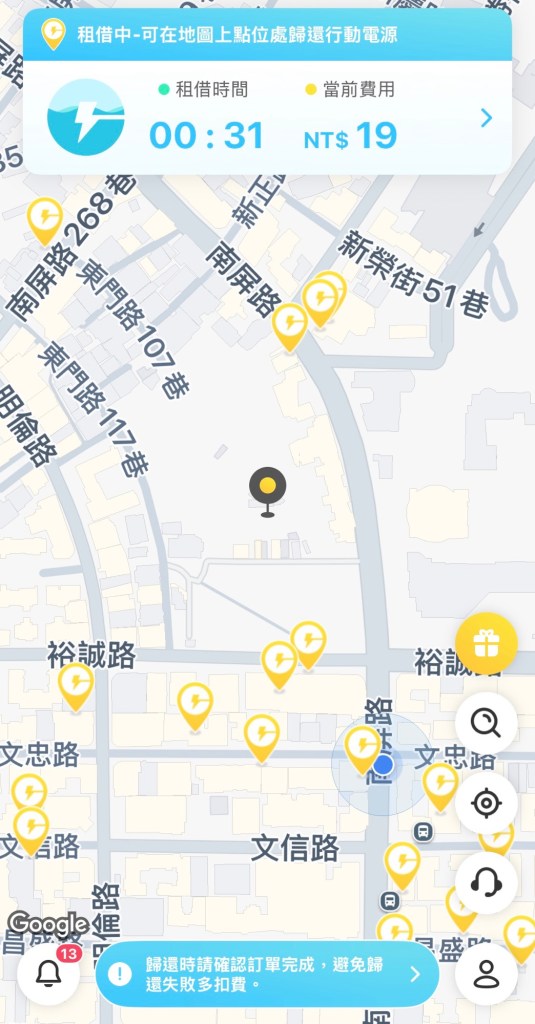
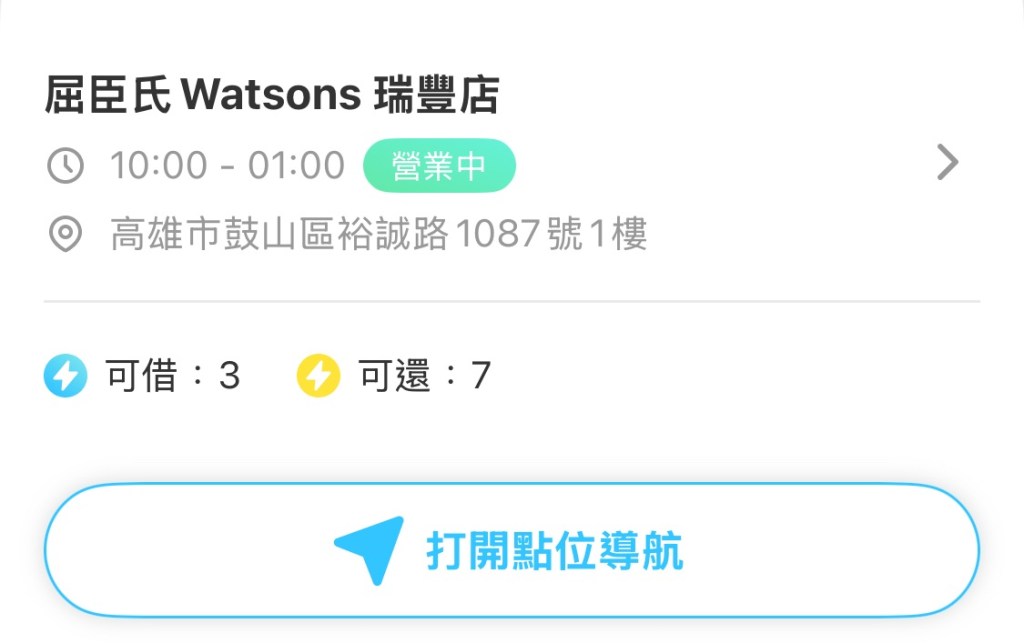
一、打開App搜尋地圖上的據點|Step 1: Open the App and Search for Nearby Stations
提醒:確認黃色圖示可以歸還的數量,才不會白跑一趟~
Reminder: Check the number of return slots at the yellow icons to avoid a wasted trip!
二、歸還怎麼放?|Step 2: How Do I Return It?
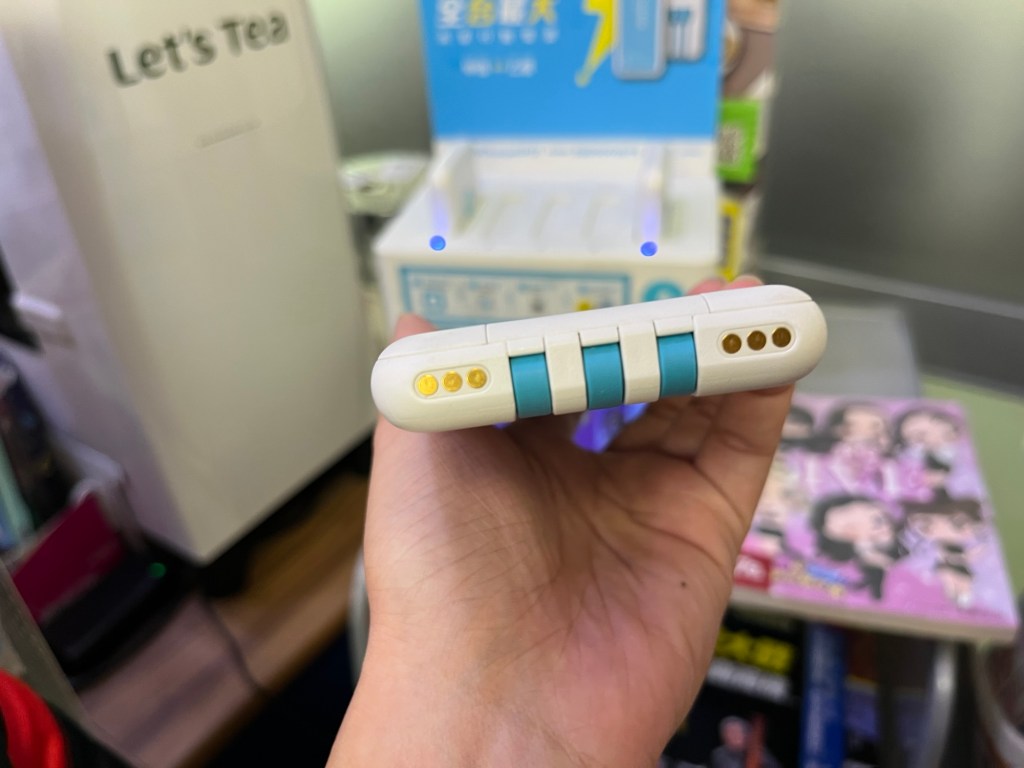
將行動電源插回任一 ChargeSPOT 機台的空槽,插到底後系統會自動結算費用。
Insert the power bank back into any empty slot at a ChargeSPOT kiosk. Once fully inserted, the system will automatically stop the timer and complete the payment.

收費方式|Pricing Details
- 台灣費率:每小時 NT$19,當日上限 NT$76
- 其他國家依各地費率計算,例如日本每小時165 日圓。
- Taiwan: NT$19 per hour, max NT$76 per day
- Rates vary by country, e.g. Japan: ¥165 per hour
台灣費率|Taiwan rate

日本費率|Japan rate:

索取邀請碼獲得免費優惠券|Enter the Invite Code to Get a Free Rental Coupon
輸入邀請碼可免費獲得優惠券
Enter the invite code to get a free coupon
FRDCA4528CC
📋 點選上方代碼即可複製 / Click to select







 愛獨旅的流浪女子